
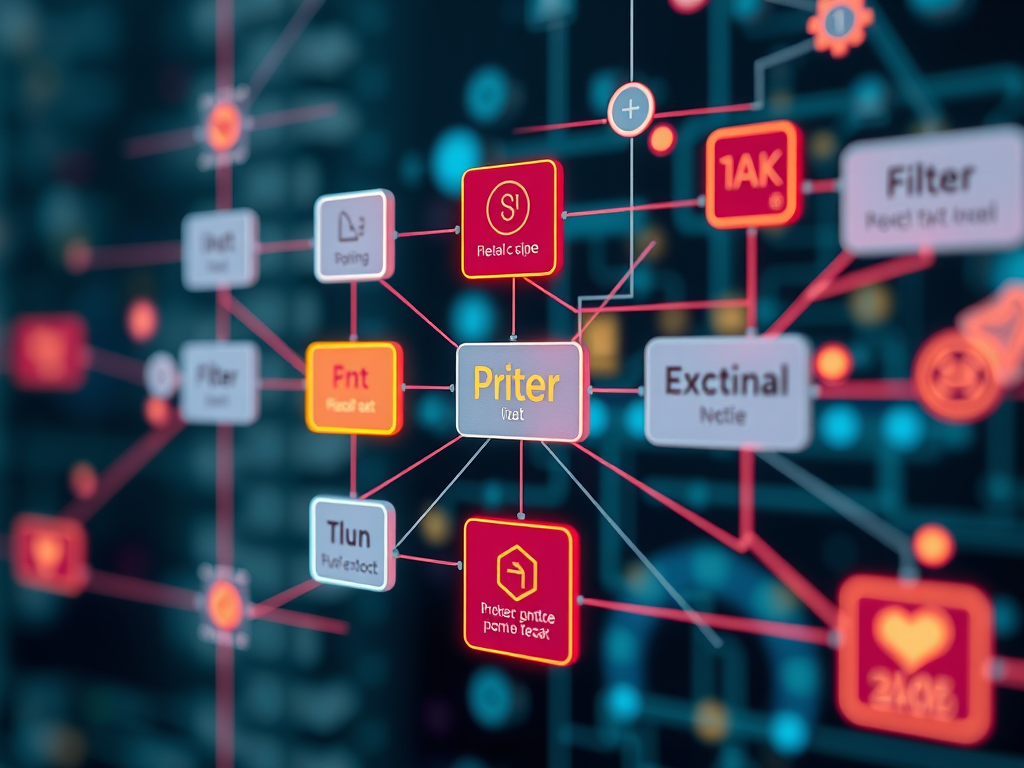
Rule Engine 2.0 is a visual, node-based automation framework designed to simplify the creation of IoT workflows. It enables users to define how data is received, evaluated, processed, and acted upon using a clear graphical interface rather than custom code.
Instead of writing scripts, users assemble workflows by connecting nodes, each performing a specific, well-defined function. This approach improves clarity, reduces configuration errors, and shortens development time for operational IoT use cases.
Understanding Rule Engine 2.0
At its core, Rule Engine 2.0 operates as an executable flowchart.
- Nodes represent functional steps
- Connections represent the movement of data or events
- Flow direction reflects the logical sequence of automation
A typical rule follows this sequence:
Data input → logical evaluation → data processing → external action
The behaviour of each rule is deterministic, transparent, and fully under the user’s control.
Node Categories and Their Roles
All nodes are organised into four categories, each serving a distinct purpose within a rule flow.
1. Input Nodes
Define when a rule is triggered
Input nodes determine how and when data enters a rule flow.
- Stream
Triggers the rule whenever new data is received from a device
Example: sensor readings such as temperature or humidity - Schedule
Triggers the rule at predefined times
Example: daily execution at 08:00
Without an input node, a rule will not execute.
2. Filter Nodes
Control whether the rule continues.
Filter nodes evaluate conditions and decide whether data should proceed through the flow.
- Conditional
Applies logical expressions
Example: temperature > 30 - Count Trigger
Limits how often a rule can execute within a day
Helpful in preventing repeated alerts - Time
Restricts rule execution to specific time windows - Geofence
Detects entry into or exit from a defined geographic area - Active Status
Evaluates device connectivity or operational state
If a filter condition is not satisfied, the rule flow stops at that point.
3. Function Nodes
Process and transform data
Function nodes modify, enrich, or compute values before actions are taken.
- Parameter Selector
Includes or removes specific data fields - Transform
Renames parameters or changes value formats - Script
Executes custom JavaScript logic
Example: computing derived metrics such as heat index - Unit Converter
Converts measurement units
Example: Celsius to Fahrenheit - Value Processor
Performs calculations such as average, minimum, maximum, or difference
These nodes focus on preparing data, not triggering outcomes.
4. External Nodes
Execute actions beyond the rule flow
External nodes produce tangible outcomes based on processed data.
- Store Stream
Saves processed data back into the platform - Email, SMS, Telegram
Sends notifications to users or teams - HTTP Post
Forwards data to external systems via REST APIs - MQTT Publish
Publishes data to external MQTT brokers - Control
Sends remote commands to devices
Examples include activating relays, fans, buzzers, or LEDs
This is where automation results in real-world impact.
Common Use Cases
Rule Engine 2.0 is commonly used to:
- Automate device behaviour based on sensor thresholds
- Trigger alerts when operational limits are exceeded
- Schedule recurring device actions
- Clean and standardise data before storage
- Enable location-based workflows
- Integrate IoT data with third-party platforms
All of these scenarios can be implemented without backend development.
Creating a Rule: High-Level Steps
- Create a new rule using the “+” action
- Assign a rule name and select a target device
- Set the activation status
- Open the Rule Editor to define the workflow
The rule editor provides a visual canvas for designing the automation logic.
The Rule Editor Interface
The editor consists of:
- Node toolbox (left panel)
Contains all available node types - Workflow canvas (centre)
Used to design and connect rule flows - Activation toggle (top-right)
Enables or disables the rule flow - Debug console
Displays data as it moves through the rule - Commit control
Saves the configured workflow
The interaction model is entirely drag-and-drop.
Example Rule Flow
Objective: Notify users when the temperature exceeds 30°C.
Workflow:
- Stream
Receives incoming data:{ "temperature": 40 } - Conditional
Evaluates: temperature > 30 - Unit Converter
Converts 40°C to 104°F - Email and Telegram
Sends notifications with the converted value
Outcome:
Notifications are delivered immediately when the condition is met.
Parallel Rule Execution
Multiple rules can operate simultaneously.
A single device update can trigger several independent workflows simultaneously.
For example, a temperature reading of 40°C may:
- Trigger an email alert
- Store processed data for analytics
- Send a control command to activate a cooling system
Each rule runs independently and does not block others.
Debugging and Monitoring
The Console node provides visibility into rule execution.
It allows users to:
- Inspect data payloads
- Verify condition evaluations
- Identify where a flow stops
This capability simplifies testing and troubleshooting during rule development.
Recommended Design Approach
Effective rule design typically follows four questions:
- When should the rule execute?
- What conditions must be satisfied?
- How should the data be processed?
- What action should be taken?
Answering these questions provides a clear structure for building reliable workflows.
Closing Remarks
Rule Engine 2.0 provides a precise, disciplined approach to implementing IoT automation. By shifting automation logic into a visual, structured environment, teams can design, validate, and maintain workflows with confidence.
Users move away from ad hoc scripting toward clearly defined execution paths.
The result is predictable automation, faster iteration, and easier operational management.
If the logic can be expressed as a flow, it can be implemented using Rule Engine 2.0.
FAVORIOT Intelligence References
- Official Announcement -Favoriot Evolves into an AIoT Platform with Built-in Machine Learning
- Why Favoriot Chooses Machine Learning Over LLMs
- Machine Learning vs Deep Learning in IoT
- Traditional Machine Learning vs Large Language Models (LLMs)
- Why Favoriot’s Built-in Machine Learning Matters for AI Researchers and IoT Developers
- Why Favoriot’s ML Infrastructure Reduces Costs
- AI and ML in IoT, Explained Without the Jargon
- Start Anomaly Detection in IoT with Less Data
- AI and ML in IoT, Explained Without the Jargon
- The Key Differences: Favoriot’s Rule Engine 2.0 and AI Agents
- The Role of Machine Learning in IoT Systems
- Favoriot’s Rule Engine 2.0: A Structured Approach to IoT Automation
- A Quiet Shift Is Coming to the Favoriot Platform

![[Project Challenge #13] Smart Library Behaviour Monitoring Using the Favoriot Insight Framework](https://iotworld.co/wp-content/uploads/2026/03/image-1.png)


![[Project Challenge #12] Smart Pedestrian Safety and Monitoring Using the Favoriot Insight Framework (FIF)](https://iotworld.co/wp-content/uploads/2026/03/Smart-Pedestrian-Safety-Framework-3.png)
Leave a Reply